
Video Proof for Every Bug
Record gameplay. Capture bugs. Share with your team.
Stop writing bug reports. Start recording them.
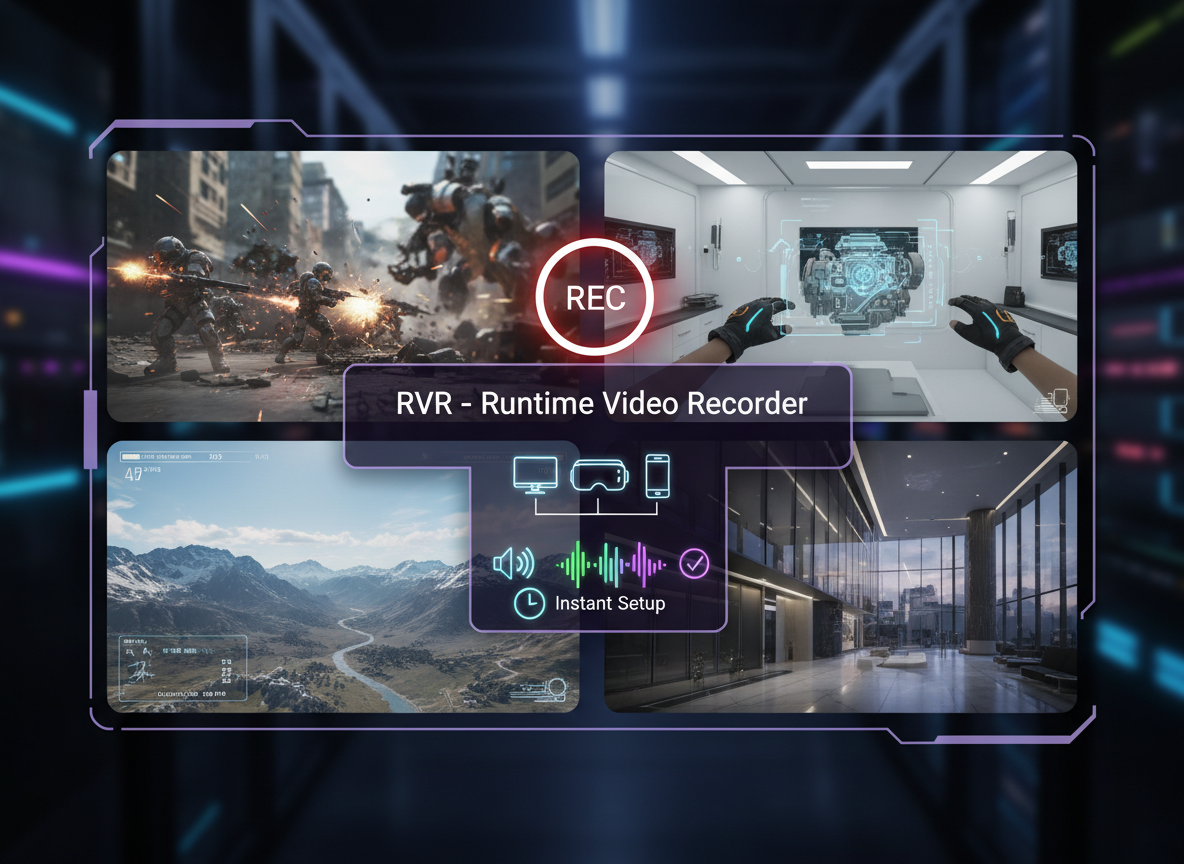
Built for Game Testing Pipelines
Automated Pipeline Recording
Integrate video recording into CI/CD pipelines. Capture every test run, every build - automatically archived and searchable.
Mobile QA Testing
Record directly on iOS & Android devices. No alternative exists - RVR is the only in-engine mobile recording solution.
Bug Reports with Video Evidence
Instant replay captures the last 30-60 seconds. QA teams can attach video to every bug ticket - no more "cannot reproduce."
Share Gameplay with Your Team
Record sessions, share with developers, designers, and stakeholders. Standard MP4/H.264 - plays anywhere, uploads everywhere.
All major Unreal Engine versions supported
Why Game Studios Choose RVR
The technical requirements that make RVR the only choice for professional game testing.
Zero External Dependencies
No ffmpeg, no codecs to install, no external processes. Ships with your game - works out of the box on every platform.
The Only Mobile Solution
Record on iOS and Android devices natively. No other Unreal plugin supports in-engine mobile recording. Period.
Headless & CI/CD Ready
Run in automated pipelines without a display. Perfect for cloud testing farms, Jenkins, GitHub Actions, and build servers.
1-3% CPU Overhead
Hardware-accelerated encoding. Record at 60fps without affecting game performance - test the real experience, not a degraded one.
Instant Replay for Bugs
Continuously buffer the last 30-60 seconds. When a bug occurs, save the replay - never miss capturing the reproduction steps.
MP4/H.264 Output
Standard formats that play anywhere. Upload to Jira, Slack, Google Drive - no conversion needed, instant sharing with your team.
Beyond Game Testing
While built for game testing, studios also use RVR for VR training, content creation, and more.
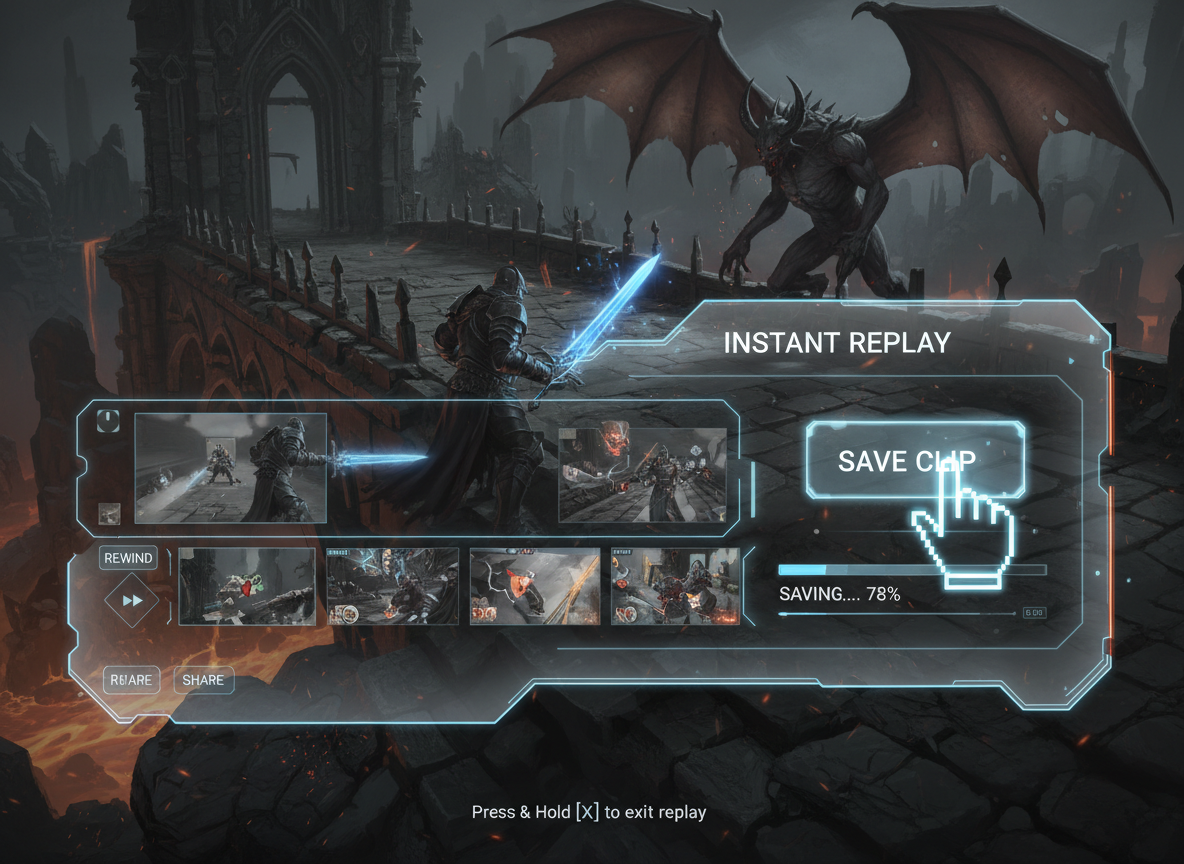
Instant Replay & Highlights
Save the last 30-60 seconds of gameplay on demand. Let players capture epic moments, clutch plays, and share their best highlights instantly.
Learn More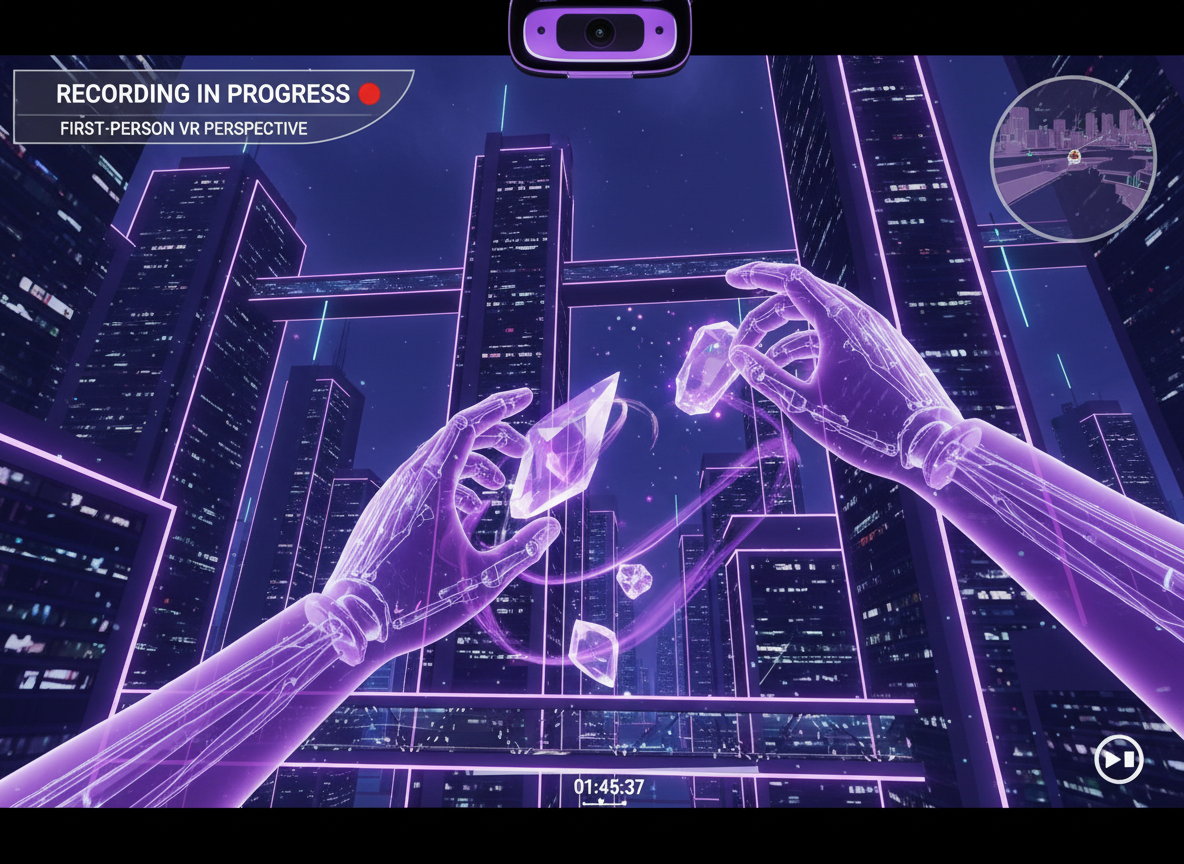
VR Recordings
Capture immersive VR experiences using render targets. Record handheld virtual cameras and scene capture components flawlessly.
Learn More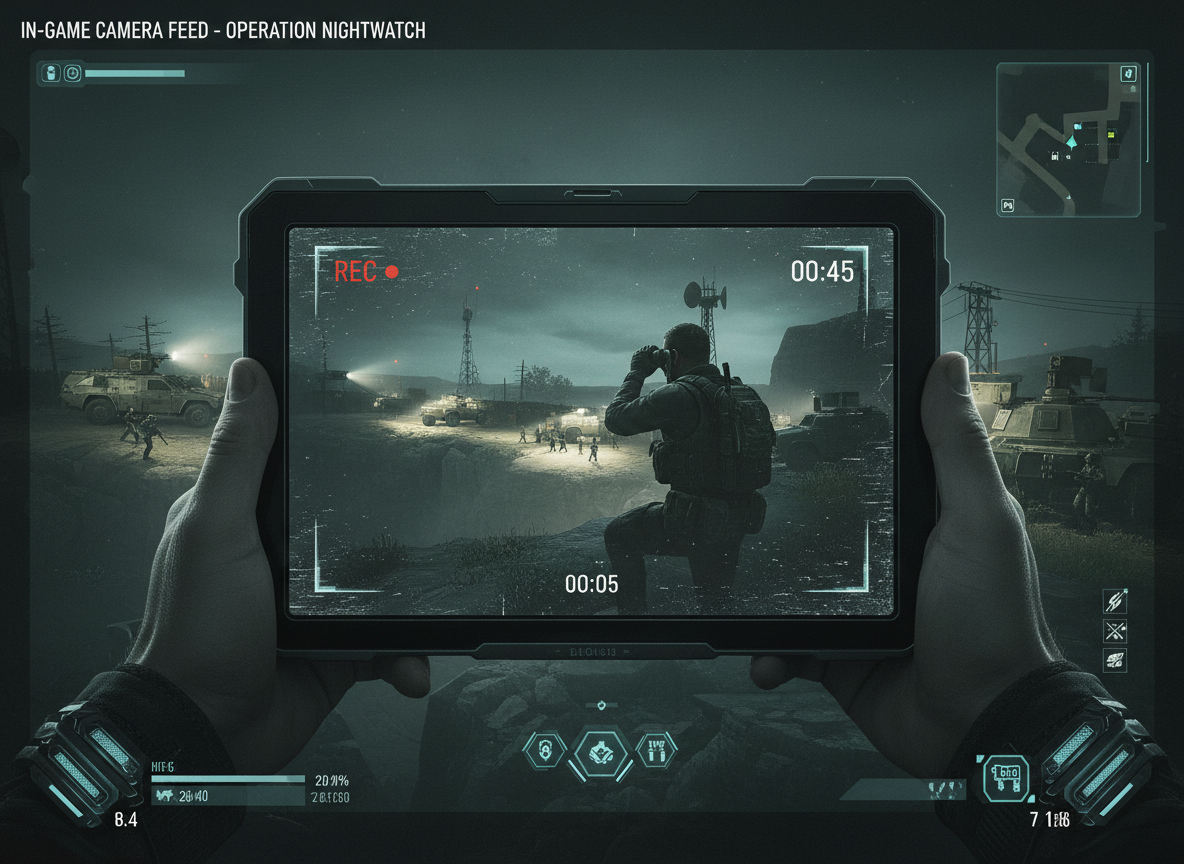
In-Game Camera Recording
Multi-camera setups for cinematic content. Perfect for recording security cameras, spectator views, or custom camera angles.
Learn More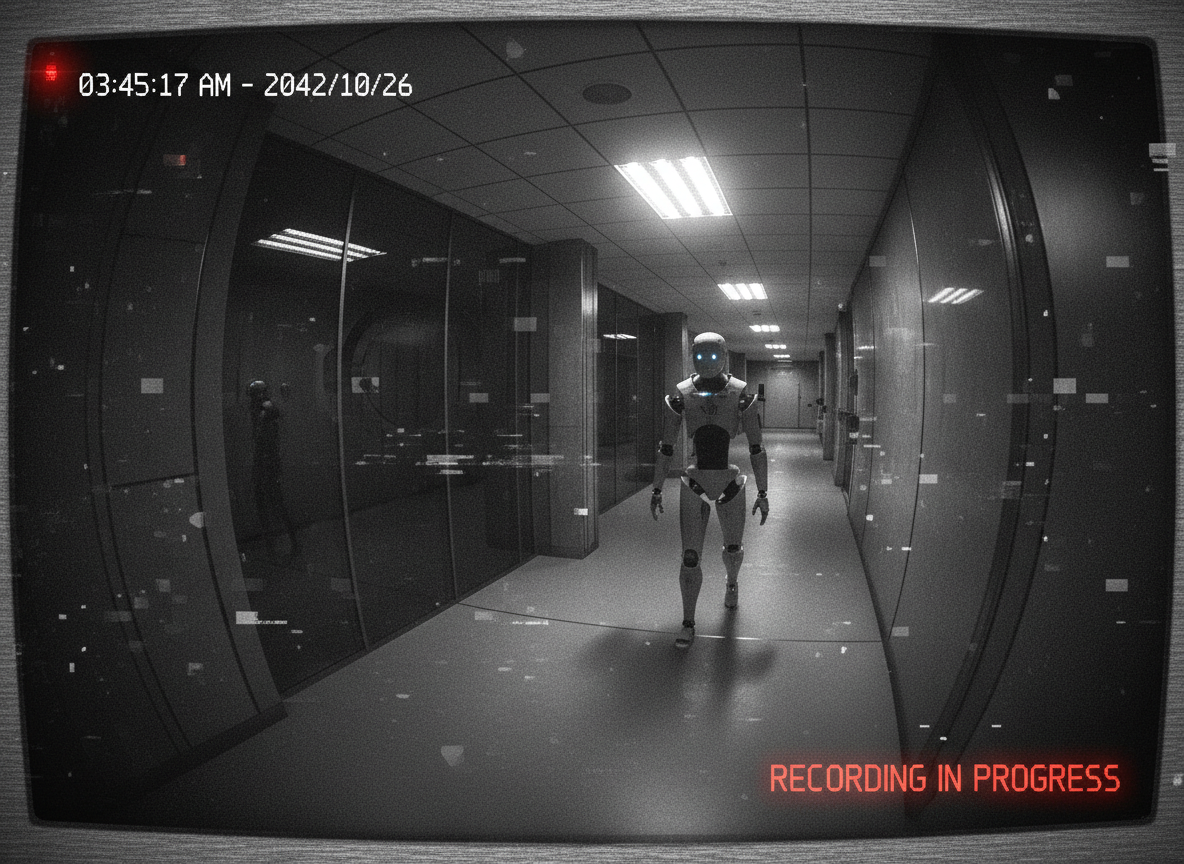
Security Camera Systems
Build in-game surveillance systems with recorded footage. Create realistic security camera mechanics for your games.
Learn More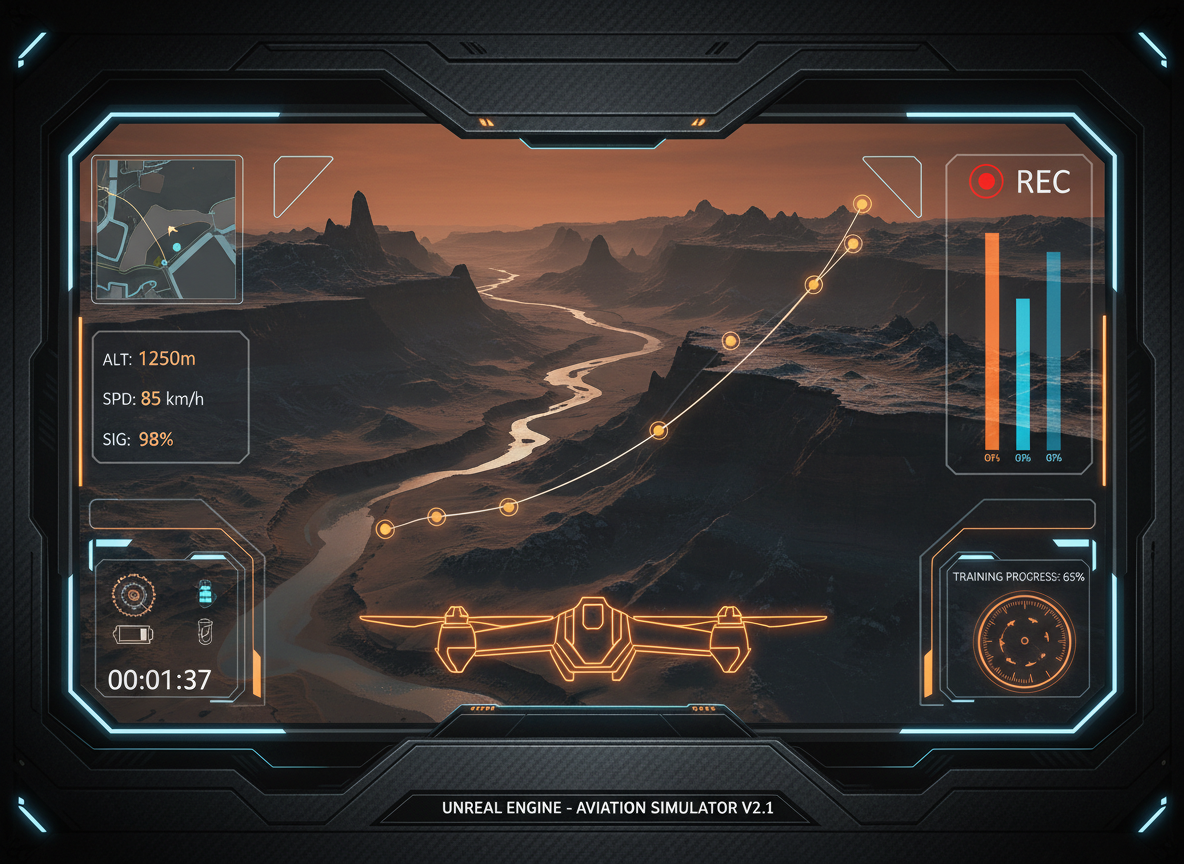
Drone Simulation
Capture flight data and visual recordings from drone simulations. Perfect for training and analysis.
Learn More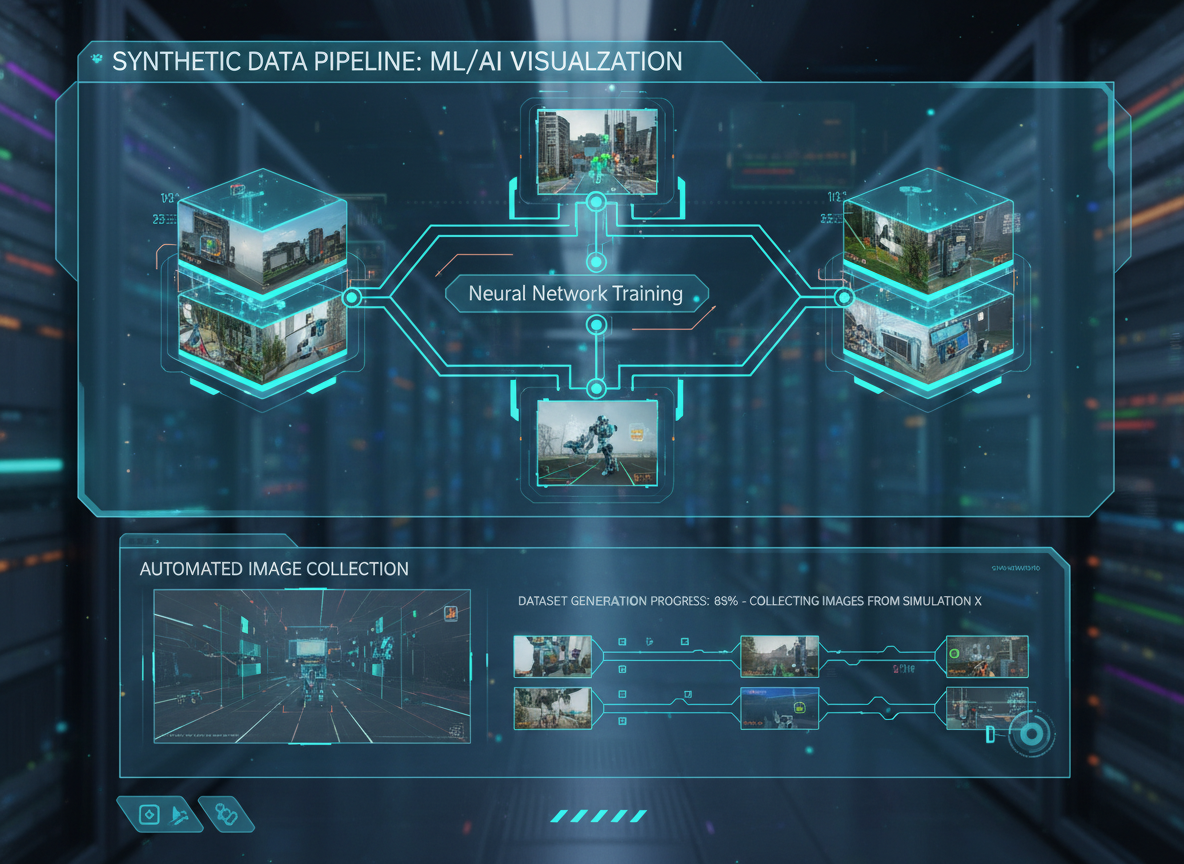
Dataset Creation
Generate ML/AI training data from your Unreal Engine simulations. Automate dataset collection at scale.
Learn More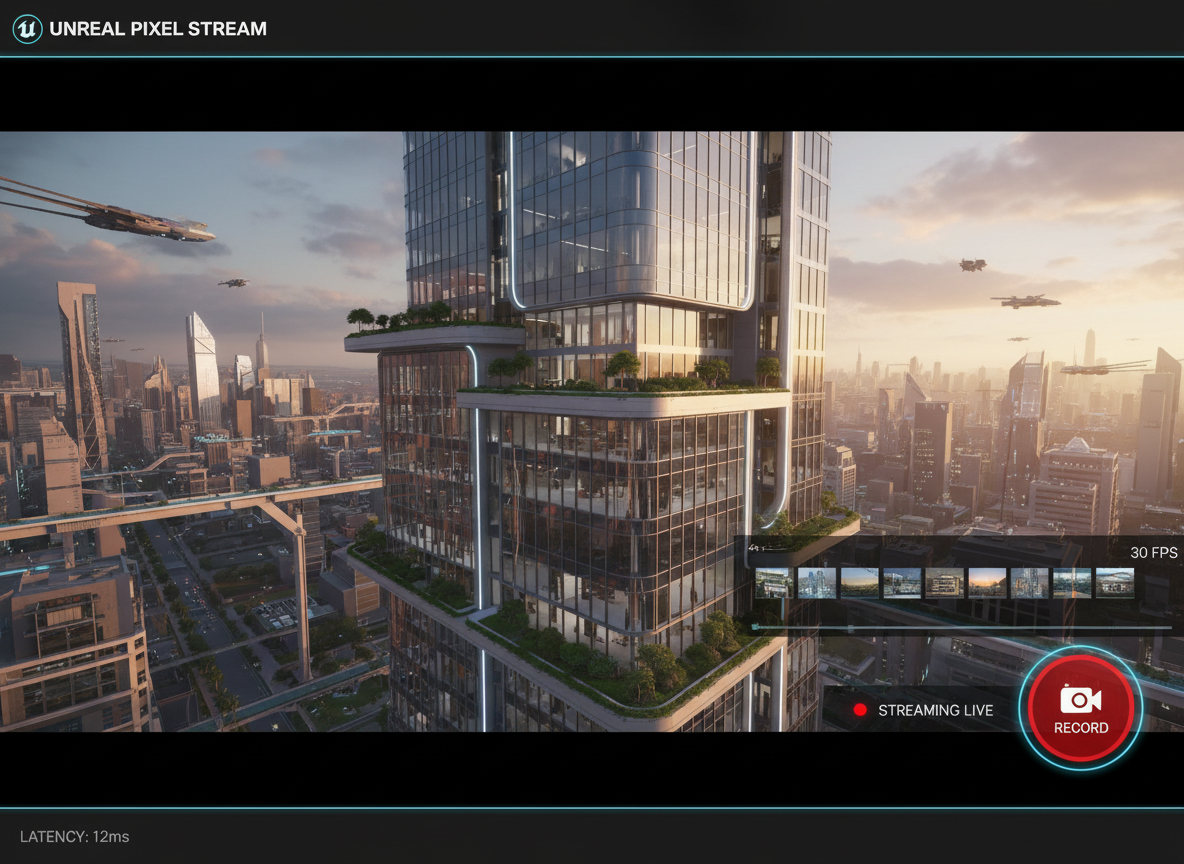
Pixel Streaming Capture
Record user interactions in cloud-based applications. Capture the video feed when players interact with your pixel streaming app.
Learn MoreTrusted by Leading Game Studios
From AAA studios to indie teams - dozens of game developers rely on RVR for their testing pipelines.






How Studios Use RVR
Real-world game testing workflows from leading studios.
Amazon Games
Automated Testing Pipeline
Amazon Games integrated RVR into their automated testing infrastructure. Every test run generates video evidence - automatically archived and searchable by build number, test case, and failure type.
- CI/CD pipeline integration
- Headless server recording
- Automated test evidence archival

Riot Games
Bug Reporting & QA
Riot Games uses RVR for their QA testing workflow. Testers can instantly capture bugs with video evidence - attached directly to bug tickets, eliminating "cannot reproduce" issues.
- One-button instant replay
- Video evidence for every bug
- QA team productivity boost
What Developers Say
Real reviews from Unreal Marketplace and FAB.
"It just works! There are so many different ways to record stuff on user machines in UE5 - some better than others. For me, this solution just works, and takes all the hassle away."
"This is a very useful video recording at Runtime solution. It has solved many issues for my project. I hope the author will create more high-quality functional solutions."
"The discord support channel is really active and the creator is quick to reply and help you out with any issues including my rookie mistake."
"I'm using this solution to record inside VR (handheld virtual camera using scene capture component) and it works flawlessly!"
Ready to capture every bug?
Join Amazon Games, Riot Games, and 50+ studios using RVR for game testing.
Request API Key & Download